
App
Daemon on
your phone.
Download the app
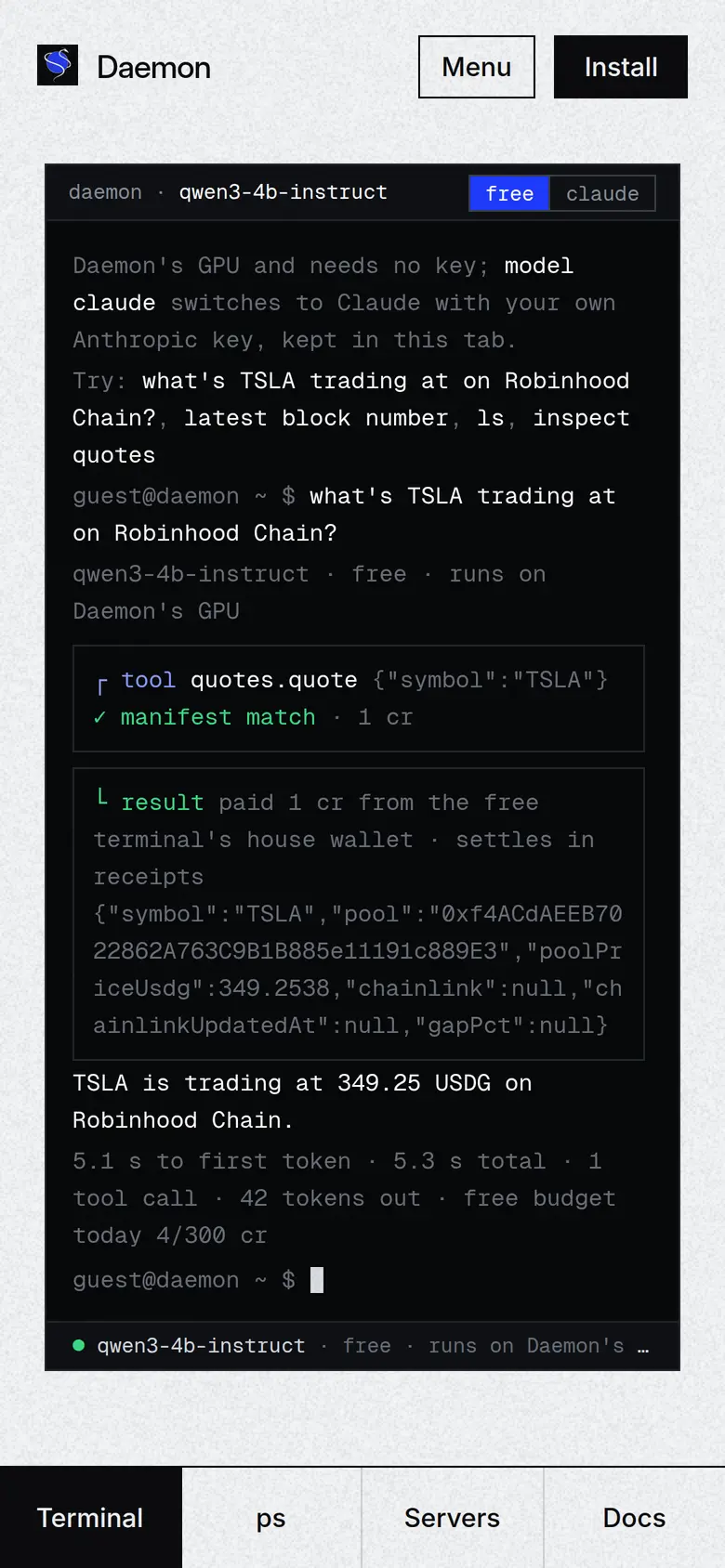
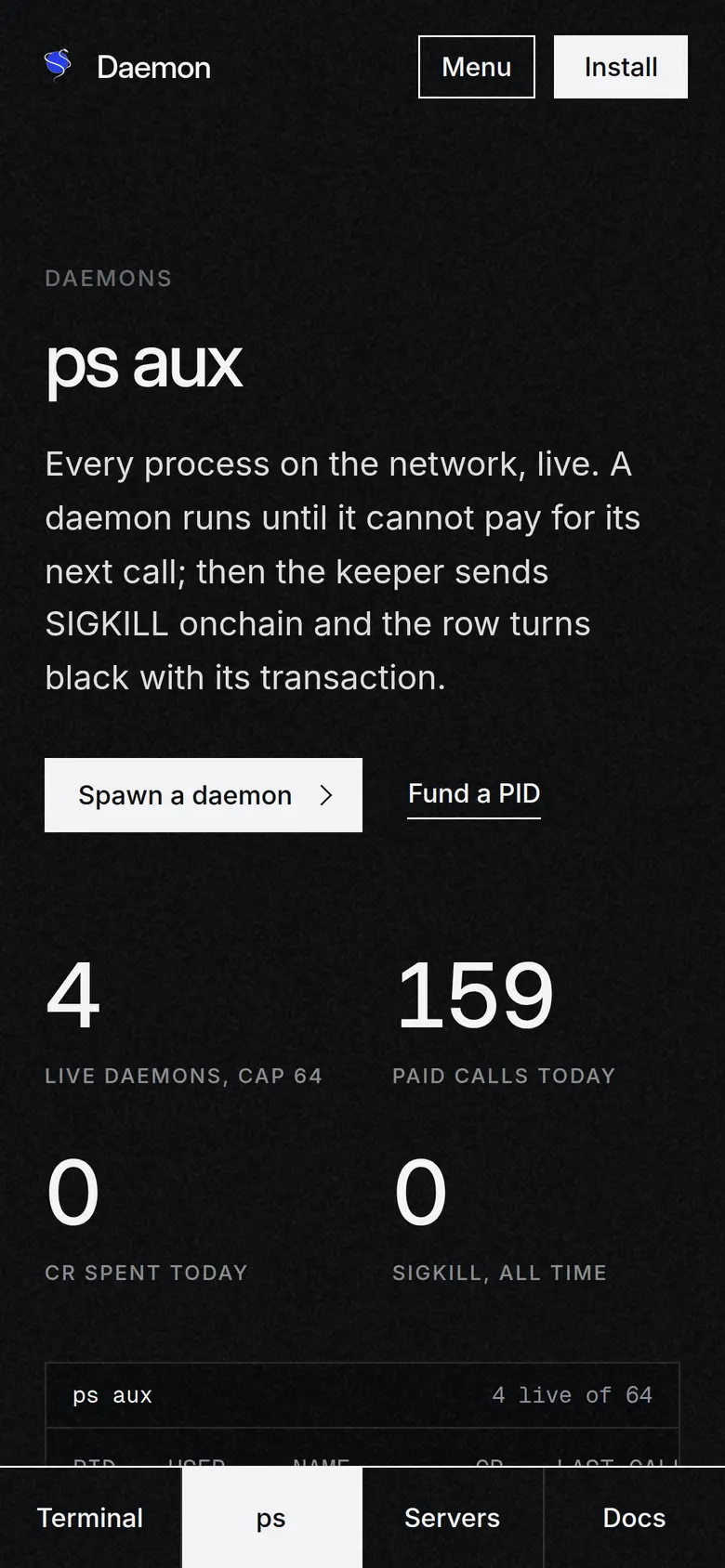
A signed Android app for Android 7.0 and later. It opens daemonmcp.com in Chrome's engine as a trusted app, verified by this site's asset links, so there is no address bar. It asks for no permissions.

- Tap Download daemon.apk, or scan the code from a computer.
- Open the file. The first time, Android asks you to allow installs from your browser; allow it for this install.
- Tap Install, then open Daemon from your home screen.
Add to Home Screen
iOS does not install apps from outside the App Store, so there is no file to download. Safari installs Daemon as a web app instead: its own icon, full screen, the same tab bar.
- Open daemonmcp.com in Safari.
- Tap Share in the toolbar.
- Scroll and tap Add to Home Screen, then Add. Daemon opens on the terminal from its icon.
On Android you can do the same from Chrome's menu with Add to home screen if you prefer not to install a file.
Check the file
Run sha256sum daemon.apk and compare it with the hash above. The signer fingerprint matches /.well-known/assetlinks.json on this site.
Updates itself
The app loads the live site, so new servers, models and screens arrive without a reinstall. A new file only ships when the Android shell changes.
Offline
Only the app shell is kept on the phone. Prices, receipts and daemon rows always come from the network; nothing from the API is cached. Privacy